Software development has changed.Has your hiring process?
Run a practical hiring assessment where candidates take on a real work sample and use AI coding tools like Claude Code or Codex to build and ship a working solution.
What most interviews test
- Invert a binary search tree
- Merge k sorted linked lists
- Find the longest palindromic substring



















Platform
Assess the skills that ship product
Evaluate product engineers with real-world take-homes, timed coding screens, and live pairing in familiar tools.
Take-home projects in Git repos
Candidates work in a repository locally with Git or in CodeSubmit IDE in the browser. Your team gets the submitted code, automated AI review notes, and follow-up questions for the next round.
Submitted repository diffs
Inspect file diffs, tests, and local Git commits or the submitted IDE workspace in one repository view.
AI review notes
Scan a summary of architecture, testing gaps, and suggested questions before reading the code.
Live pairing in a shared IDE
Interviewer and candidate share the same IDE, terminal, and AI chat, keeping the discussion anchored in runnable code.





Timed coding screens for early rounds
Short, practical exercises test how candidates read requirements, write logic, and pass test suites before you assign a larger project.


CodePair
See how candidates work in a full dev setup
CodePair gives interviewers and candidates a shared IDE, terminal, and repository so you can evaluate debugging, collaboration, and in-session AI use together.
- →Shared workspace and project context: Navigate files, edit with multiple cursors, and talk through tradeoffs in the same repository.
- →Shared AI chat: Both sides see the in-session AI conversation, including what candidates prompt and how they inspect, test, and refine generated code.
- →Builds, previews, and debugging in one place: Run the application, inspect terminal output and failing tests, and work through fixes live.
- →Direct handoff from take-home submissions: Open a candidate's completed take-home repository in CodePair to review their architecture, test coverage, and next changes together.


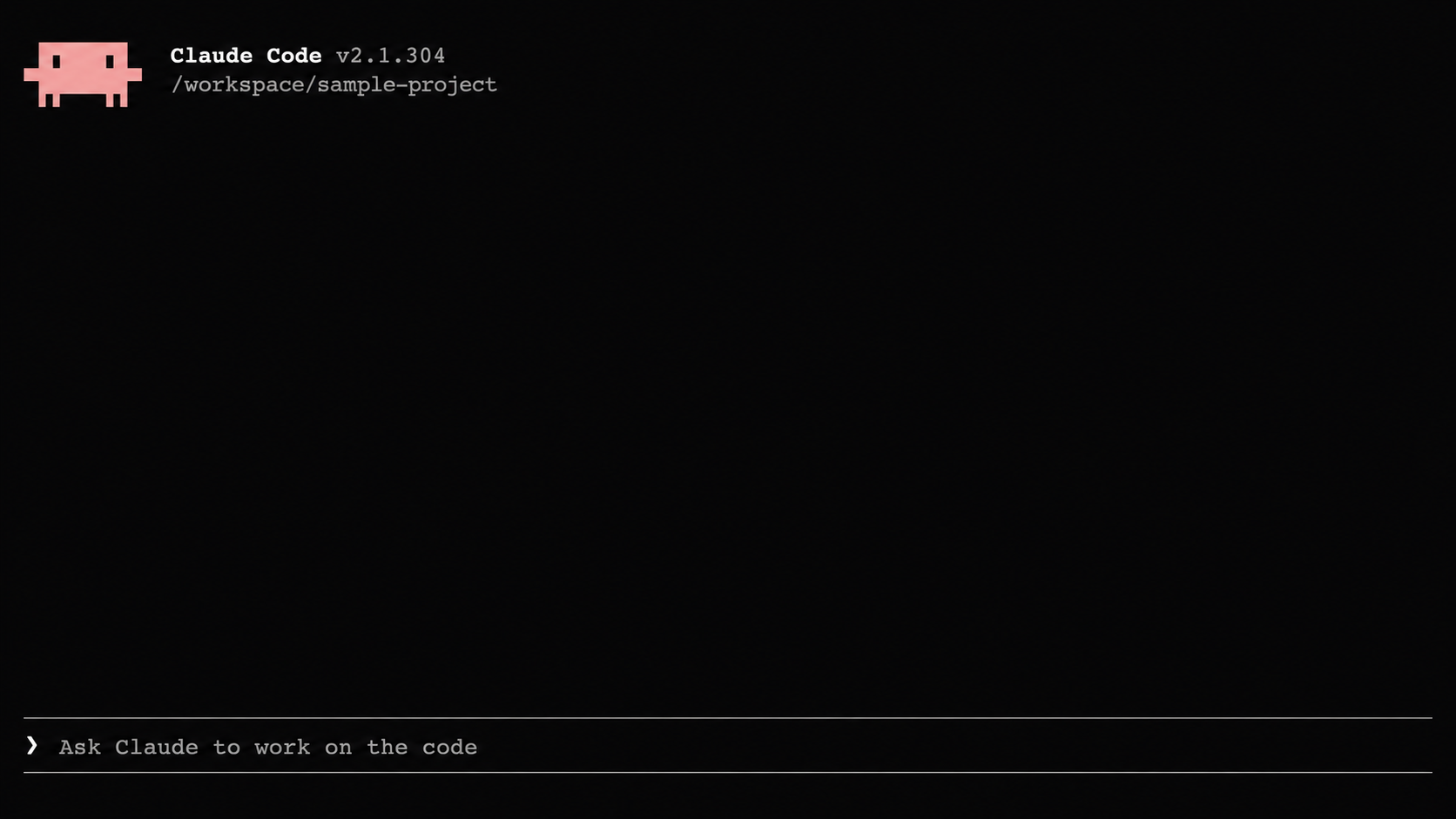
Familiar coding agents
Bring Claude Code, Codex CLI, and other coding agents into your live interviews and take-home workspaces. Your team decides which agents are available.



Integrates with your ATS
Connect CodeSubmit with Greenhouse, Lever, Personio, Zapier, Ashby, and other tools to track candidates and assessment statuses in one place. Your team gets notified when submissions and interview results are ready to review.












Custom challenge drafting
Make the challenge fit the role
Challenge Creator turns a role brief or template into starter files, instructions, and a rubric that your engineers edit before sending to candidates.
Describe the role
Paste a role brief, describe the work you need done, or start from a library template.
Creator drafts the challenge
It builds the scope, starter files, candidate instructions, and grading rubric for your chosen format.
Engineers review and send
Your team inspects and edits the brief, files, tests, and rubric before sending it to candidates.
- Take-Home
- Byte
- CodePair
Senior backend engineer, Python and FastAPI, payment webhook processing
Payment Webhook Handler in FastAPI
Take-Home, Python repository with starter service
- README
- Tests
- Rubric
Hiring workflow
Review the work before the next interview
Combine early screens, take-home projects, and live pairing in one workflow. AI helps structure the review while your engineers make the hiring call.
Choose the format
Use short coding screens or AI phone calls early, then move to real-world projects and live pairing when you want to see candidates build and debug.
Prepare the review
Automated summaries highlight architecture, test coverage gaps, and follow-up prompts before an engineer reads the diff.
Plan the next round
Use the candidate's code or interview answers to decide what to discuss in the next round.
Audi uses CodeSubmit to run realistic technical assessments and give candidates a more professional interview experience.
Set up your next technical interview
Start a free trial to explore the library or draft your first assessment. No credit card required.